



Your agent has sent you a personal link. Click it and follow the authentication steps to access your secure form.
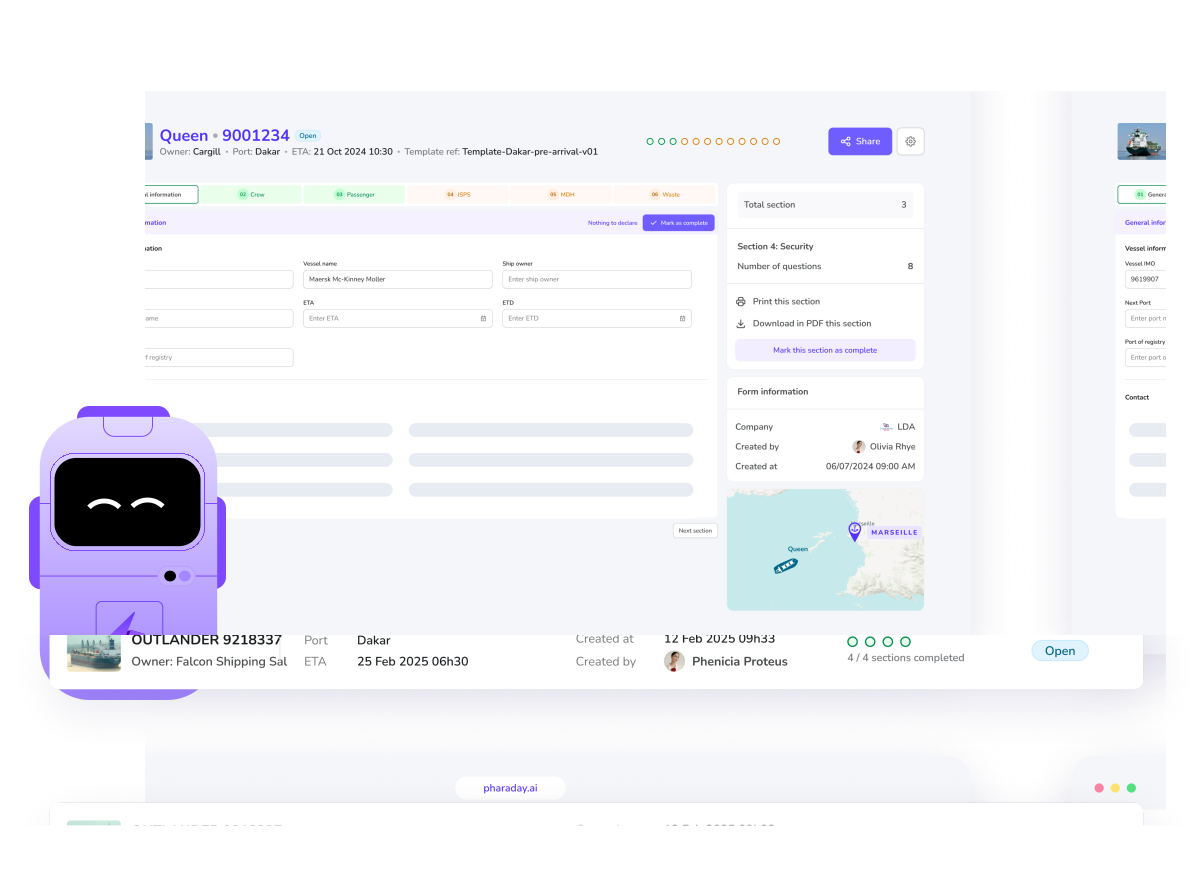
Click "Import my file" and drop in your documents, whatever their format.
You can upload everything at once, or work section by section, one file at a time.
With each upload, the AI recognises the information it contains, offers to fill it in, and lets you adjust it. Let the chat guide you.
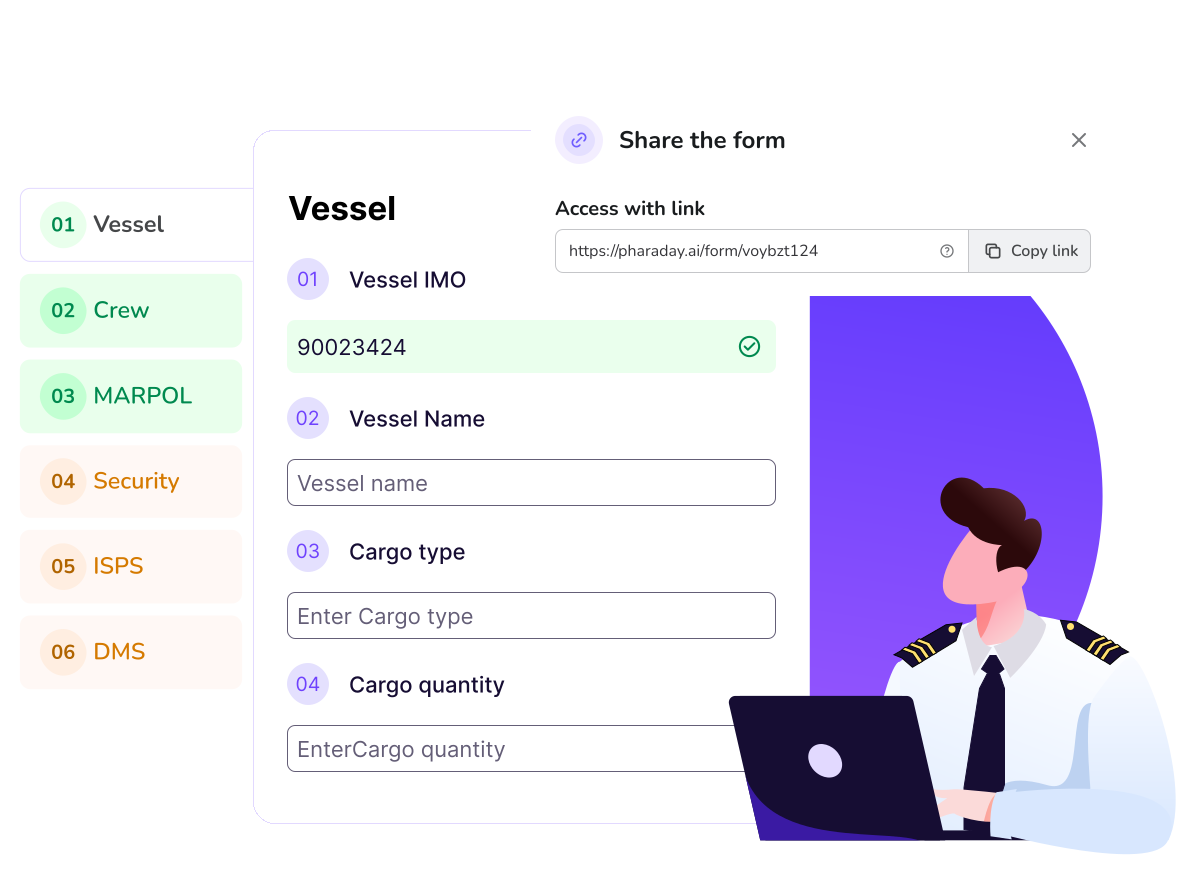
Every field carries a status:
🟢 Green - all compliant.
🟠 Orange - please check: the AI has a suggestion for you.
🔴 Red - not compliant: needs correcting.
Use the filter in the top-right corner to display only what still needs attention. Once a section is complete, click "Validate" and it turns green.
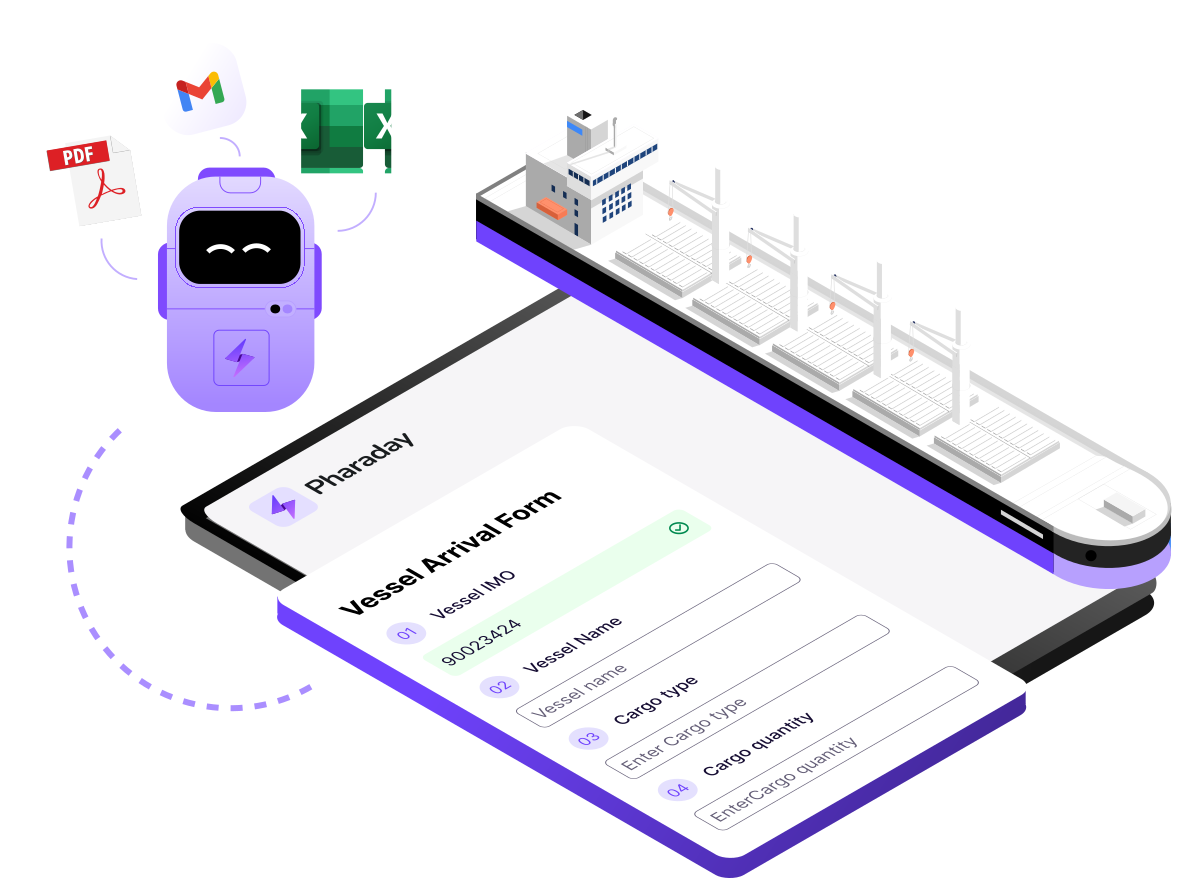
Once every section is green, your agent submits the formalities to the port system.
They can follow your progress in real time, whatever the status, and support you at any moment through the built-in chat.
