SISA Master Guide header
GETTING STARTED

Welcome Aboard!
SISA chose the best for your port call.

You're in good hands. Your agent relies on Pharaday, an AI-powered digital solution, to prepare your arrival with precision and peace of mind. This page explains how it works in just a few minutes.

Good bye excel, hello portal!

A word from our CHAIRMAN ”

“SISA was the 1st shipping agency worldwide to implement AI-powered technology for port formalities as a service to our principals.”

At SISA, we believe innovation should make life easier for both our teams ashore and Masters on board. By eliminating repetitive paperwork and simplifying information exchange, we can focus on what really matters: ensuring a smooth, safe and efficient port call.

Florent Massart

CEO, Sea Invest Shipping Agency

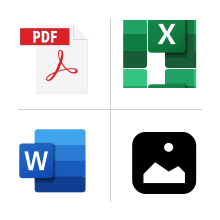
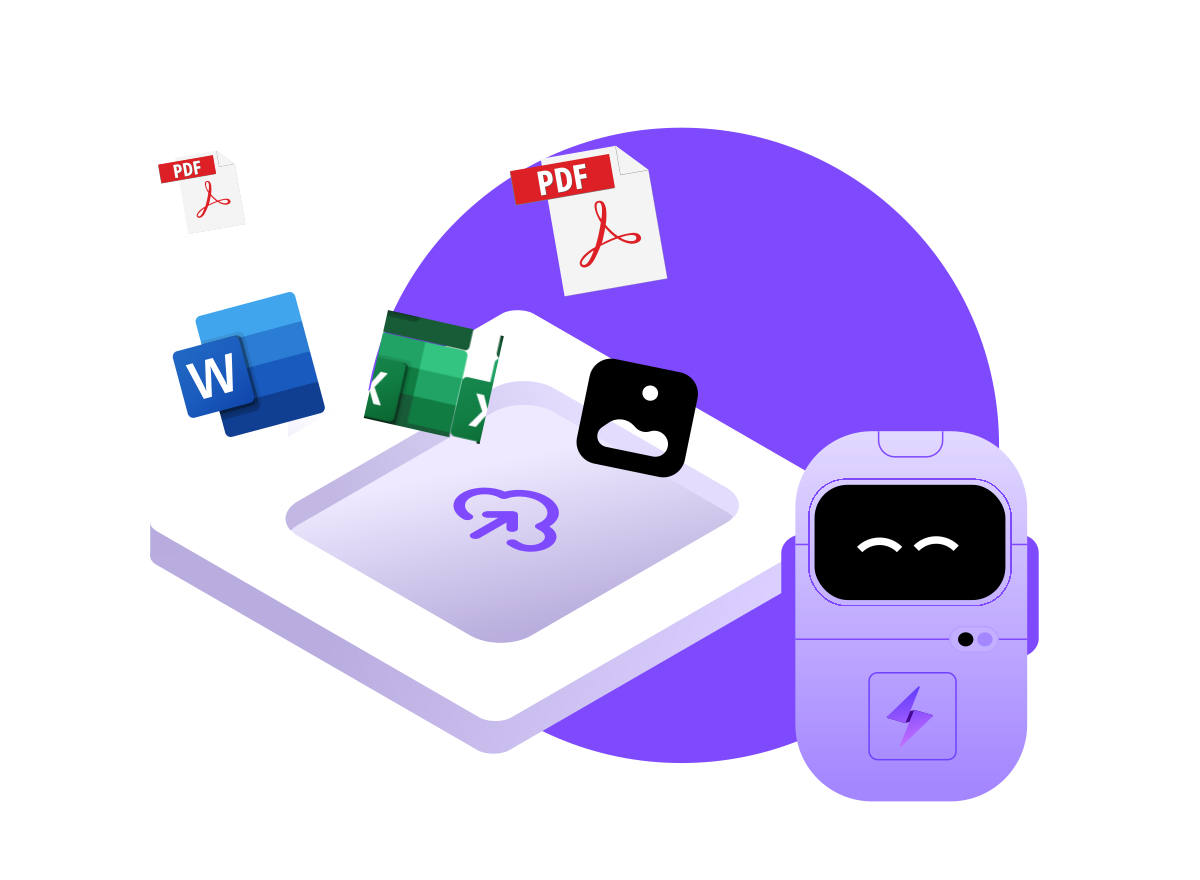
Upload your documents as they are

Excel, Word, PDF, even photos: the AI extracts the data for you.

No more email ping-pong

one single portal, with a built-in chat to your agent.

Fewer errors, fewer delays

every field is checked before it reaches the port.

Your data stays protected

secure, GDPR-compliant transmission, all the way to the port system.

Before you start

check your access to Pharaday with your IT team

The portal is available at :  https://app.pharaday.net

If you see a message such as "page blocked", "access denied" or "site unreachable", ask your IT department
(or your company's) to whitelist this URL. This is essential: without it, you will not be able to open the form.

Get started in 4 steps to use Pharaday AI-powered port formalities portal

1

Open your secure link

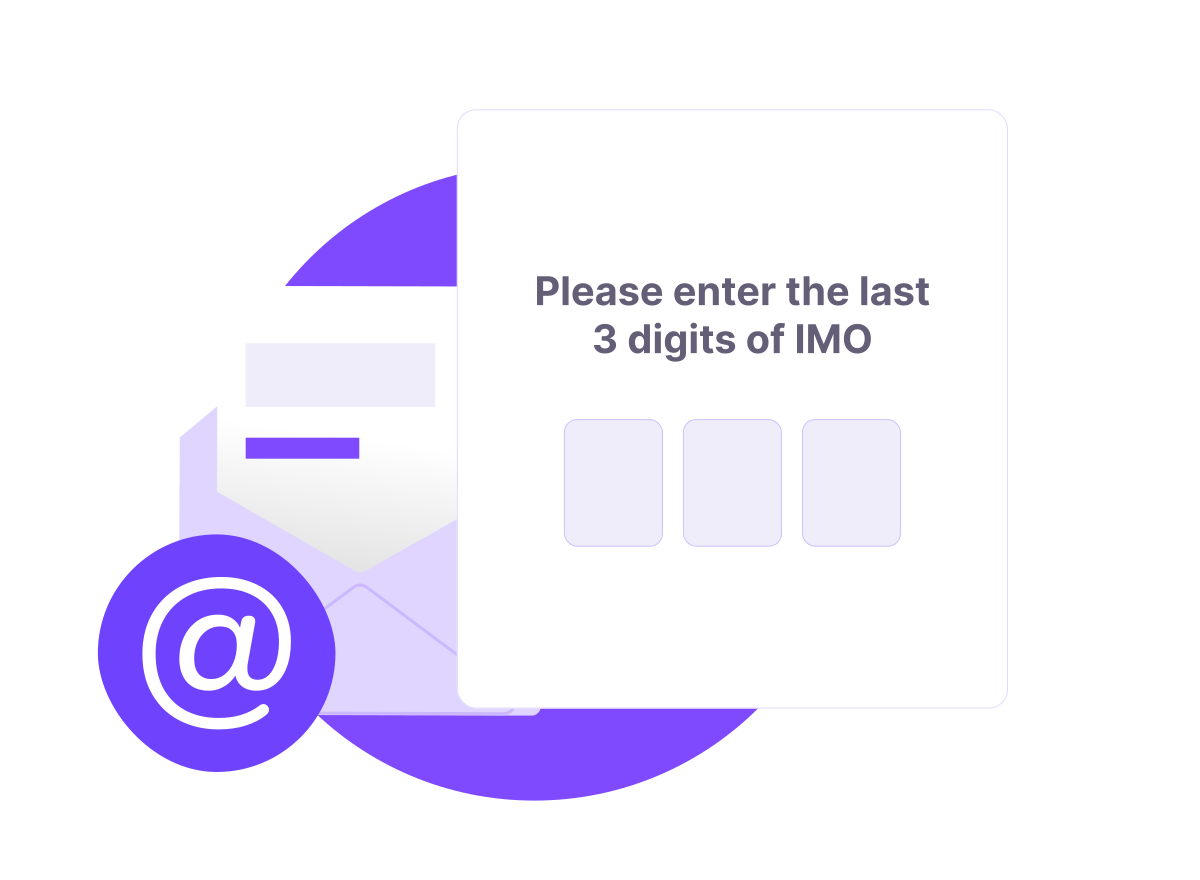
Your agent has sent you a personal link. Click it and follow the authentication steps to access your secure form.
2

Upload your files, the AI does the rest

Click "Import my file" and drop in your documents, whatever their format.

You can upload everything at once, or work section by section, one file at a time.

With each upload, the AI recognises the information it contains, offers to fill it in, and lets you adjust it. Let the chat guide you.
3

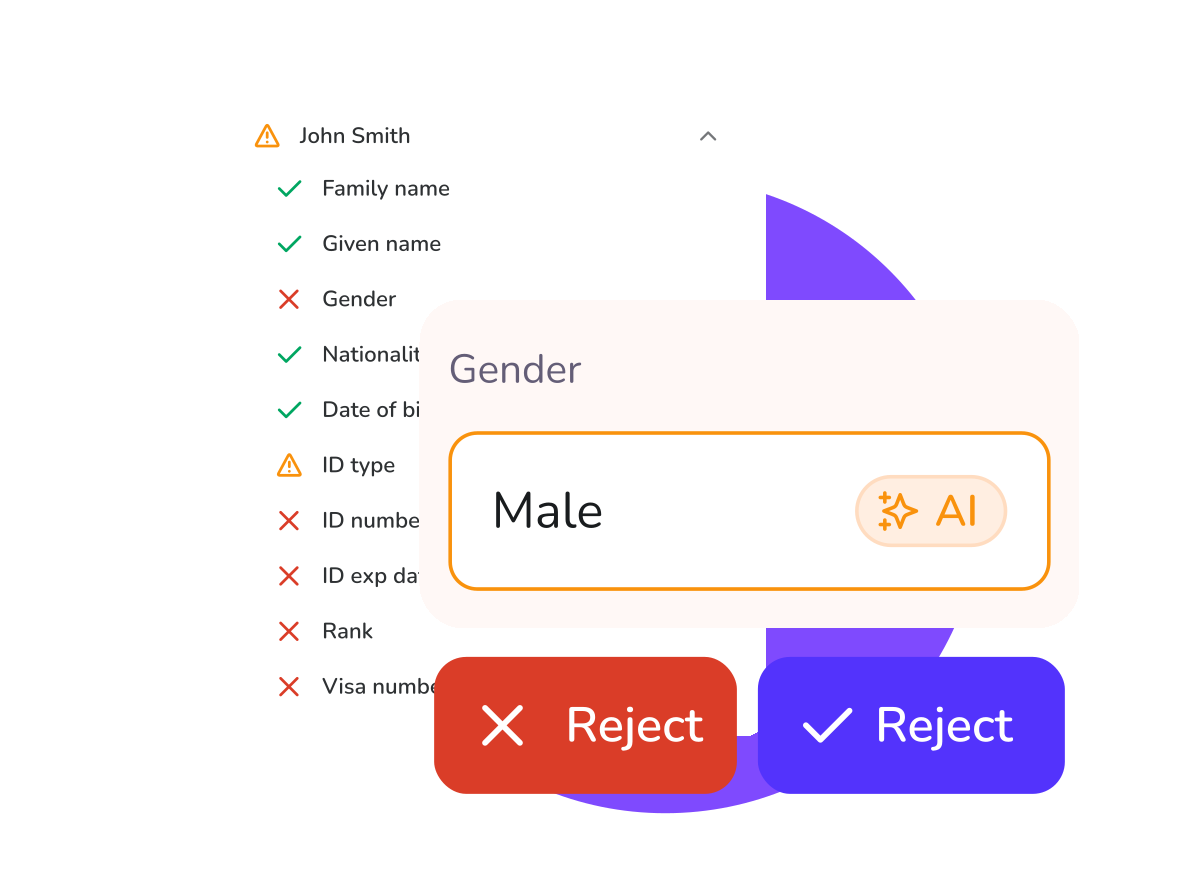
Check and validate each section

Every field carries a status:

🟢 Green - all compliant.

🟠 Orange - please check: the AI has a suggestion for you.

🔴 Red - not compliant: needs correcting.

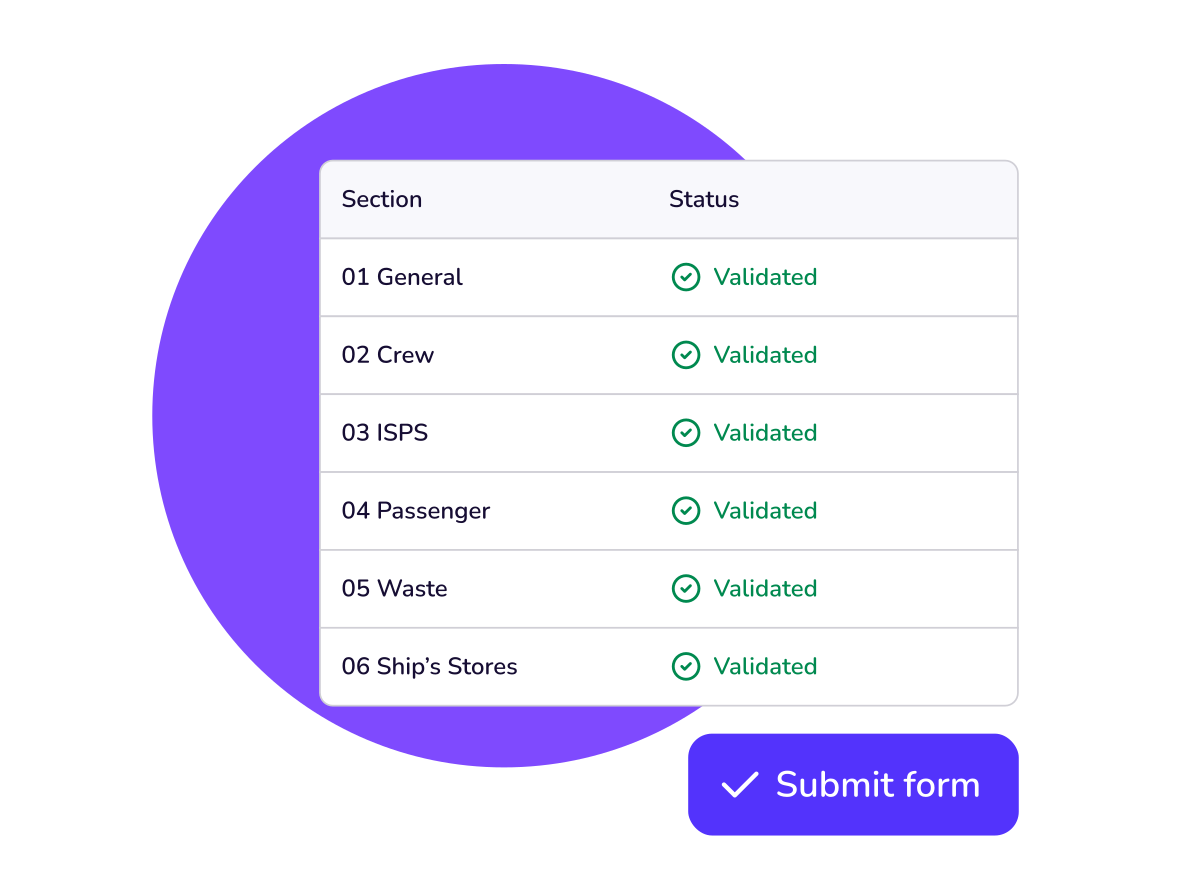
Use the filter in the top-right corner to display only what still needs attention. Once a section is complete, click "Validate" and it turns green.
‍

4

All green? Your agent takes over

Once every section is green, your agent submits the formalities to the port system.

They can follow your progress in real time, whatever the status, and support you at any moment through the built-in chat.
Thank you for sailing with SISA and Pharaday

We hope this experience saved you time. Your feedback helps us improve the portal for every master: please share your suggestions with us.
Share my feedback